Nov 10, 2026
Agentic AI In Project Management: What Should Be Automated and What Still Needs a Human
AI can recalculate a project timeline when work slips and show which deadlines are at risk. Here’s where automation helps, when your team should step in, and how to test both in a demo.

AI can recalculate a project timeline when work slips and show which deadlines are at risk. Here’s where automation helps, when your team should step in, and how to test both in a demo.
A firewall shipment slips by a week. The project plan shows that configuration, testing, and cutover all depend on that hardware arriving. Your project management software can calculate whether the delay moves go-live. Your project manager still has to decide whether to find replacement hardware, move other work forward, or call the client about a new date.
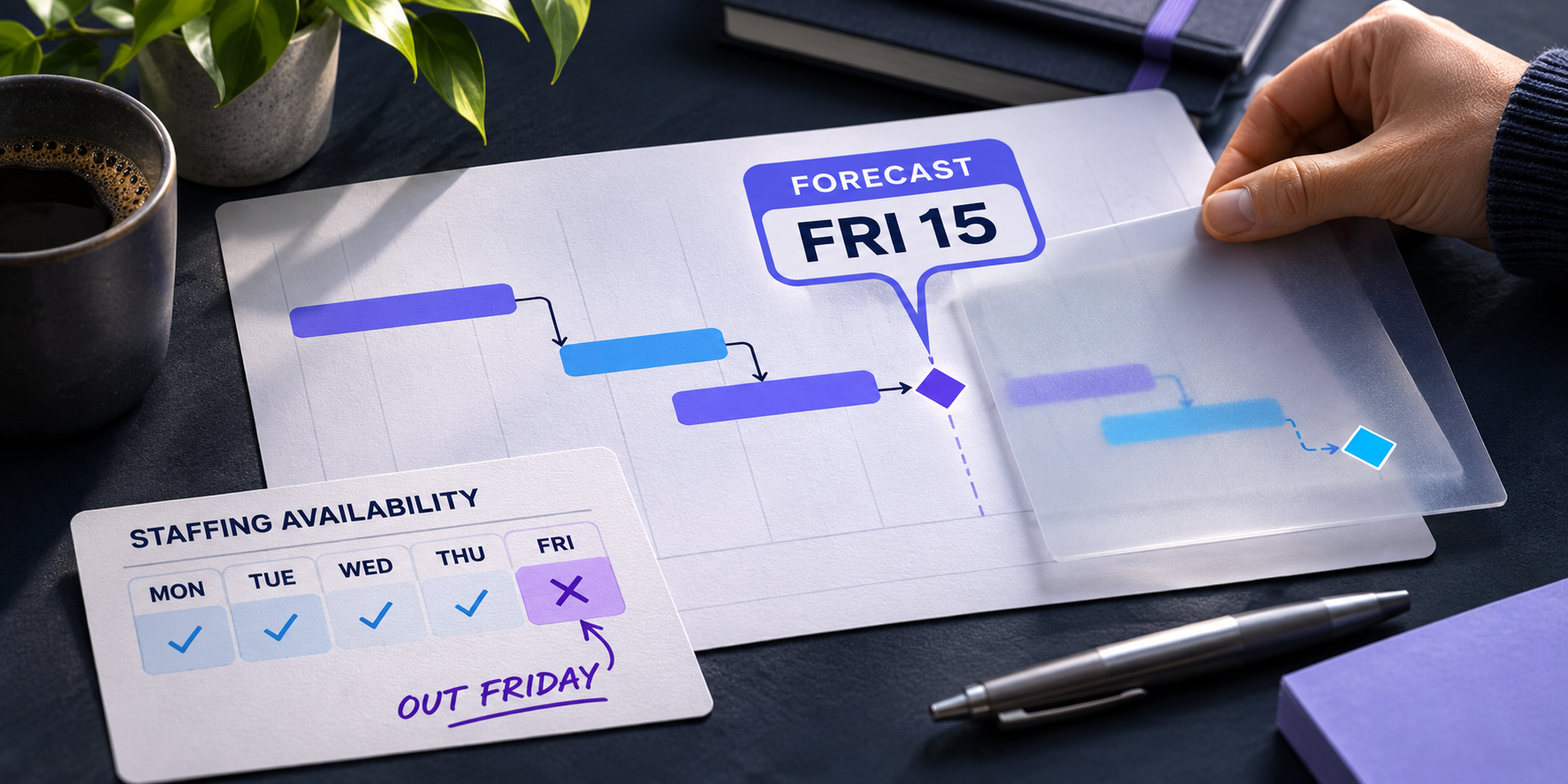
That’s the distinction to look for when evaluating AI project management software. Recalculating a delivery forecast and changing a date you’ve promised a client are two different actions. A good demo should show you exactly where the software draws that line.
Gartner predicted in 2025 that more than 40% of agentic AI projects would be canceled by the end of 2027, citing rising costs, unclear business value, and inadequate risk controls. For project teams, that’s a reason to start with a specific workflow and ask what giving the software more authority would actually improve. Read Gartner’s forecast.
What project management software should automate
Start with work the system can repeat consistently and your team can verify. Recalculate forecasted dates when a dependency changes. Show which tasks are affected and whether the delay reaches a milestone. Monitor active projects for issues like missing task durations so a project manager can catch them between status meetings.
Dependency-based forecasting is a good example of deterministic automation. Given the same project inputs and scheduling rules, the calculation produces the same result. Its usefulness still depends on the plan. If testing depends on a firewall being installed and that dependency is missing, the forecast can miss the impact of the shipment delay.
Agentic AI can take a broader role. Given a goal like keeping a cutover on track, an agent might evaluate options and, depending on its permissions, take action. That makes it especially important to know which actions it can take and when it needs approval.
Where a person should make the call
The software can show that moving an engineer onto the firewall project would protect the cutover. A delivery lead can weigh what that move would do to the engineer’s other project commitments. The same goes for approving overtime, changing scope, or telling a client their go-live is moving. Those decisions involve trade-offs that go beyond what’s in the plan.
There’s plenty of room for automation around those decisions. Show the options, calculate how each would affect the forecast, and draft the client update. Give the person who owns the commitment the information they need to make the call.
What to ask in an AI project management demo
Give the vendor a scenario from one of your own projects. Use a scenario with a hard deadline and work that crosses teams, such as a system migration, a site rollout, or a product launch. Change one input live, then ask:
- What changed in the forecast, and why? Ask the vendor to trace the impact from the delayed task through its dependencies to the affected milestone.
- What happens if the plan is missing something? Remove a dependency or a task duration and see whether the software flags the gap and shows you what needs fixing.
- What changes automatically, and what needs approval? Ask the vendor to show the difference between calculating a new forecast, applying dates to the project plan, reassigning work, and notifying a client.
How Moovila handles the handoff
Moovila’s Critical Path Engine recalculates delivery forecasts as project data changes and proposes timeline updates your team can review and apply. RPAX continuously monitors projects for risk, and Carmen, Moovila’s AI project coach, explains flagged issues and guides you through resolving them. Explore the Critical Path Engine. See how RPAX and Carmen work together.
For a deeper look at where different kinds of AI fit into project workflows, hear Moovila CEO Mike Psenka discuss AI error rates and human oversight on The Business of Tech podcast.
Bring a project scenario to a Moovila demo. We’ll walk through what happens when a dependency slips, how Moovila shows the impact on go-live, and where your team takes it from there. Book a demo.
Artificial Intelligence
Project Management