Nov 19, 2026
Comanaged IT Projects: Who Owns What When Two Teams Share the Plan
Comanaged IT is an arrangement where a company’s internal IT team shares responsibilities with an outside managed service provider (MSP). On a project, that might mean the MSP handles the technical rollout while the internal team tests the setup and prepares employees for the change. The trouble starts when both teams agree on the split but leave the individual tasks up for interpretation.

Two Teams, One Firewall
The client has an IT department of two. They’re sharp, busy and happy to have help. Your MSP is brought in to handle a firewall replacement and a new remote access setup.
On the kickoff call, everyone agrees the client’s team will “handle the user side.” Three weeks later, the new remote access goes live. Half the staff can’t connect because nobody updated the instructions or the devices.
Your engineer thought the client’s team was doing it. The client’s team thought “the user side” meant sending one email. Both were reasonable. The project still stumbled.
Why Comanaged Projects Are Different
Comanaged work is becoming a bigger share of the business. In the MSP Success reader survey, 32% of MSPs said comanaged IT drove revenue in 2025, and 28% expect it to drive margin in 2026.
That growth brings a different kind of project. In a fully managed engagement, your team owns the work from start to finish. In a co-managed one, the work is split between two teams with different priorities, different tools, and different bosses.
The client’s IT staff aren’t a vendor you can hold to a deadline. They’re colleagues with their own day jobs, and your project is probably not the most urgent thing on their list.
Name an Owner for Every Task
Break broad assignments like “handle the user side” into tasks someone can own and finish. For the firewall rollout, name who will test remote access on representative devices, who will update the employee instructions, and who will handle support on launch morning. Give each task one named owner and a due date. At kickoff, confirm that each owner knows what they’re responsible for and has time to do it.
Agree on the Handoffs
Map the handoffs before work starts. In this rollout, the MSP configures remote access and lets the client’s IT lead know it’s ready to test. The client’s lead confirms that employees can connect from representative devices and that any issues blocking launch are resolved. That sign-off gives the MSP the go-ahead to cut over.
For each handoff, agree on what the receiving team needs, who will confirm it’s ready, and which work depends on it.
Work From One Plan
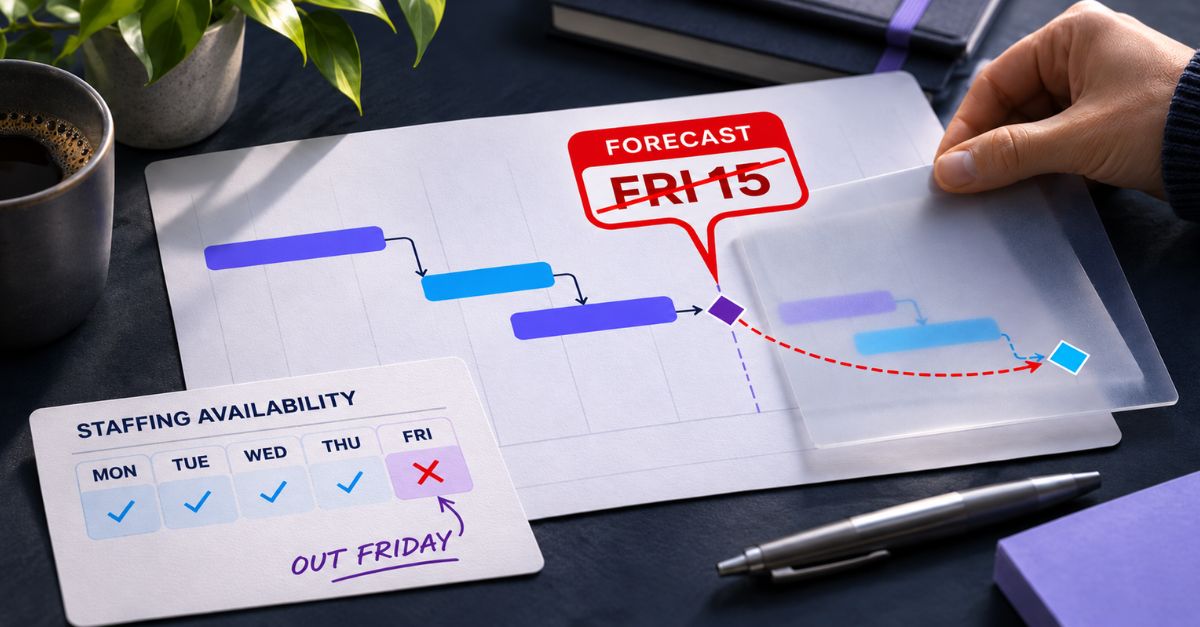
Keep one project plan with both teams’ tasks, owners, dates, and dependencies. In the firewall rollout, link remote access testing and sign-off to cutover. If testing slips, the project lead can see whether the cutover date still holds and whether employee communications or launch-day support need to move.
In Moovila, you can connect tasks across teams and see how a change to one task affects downstream dates. That gives both leads a concrete schedule to review before they commit to a revised launch date.
Use Check-Ins to Make Decisions
Use a short check-in between the two project leads to review what changed, which handoffs are coming up, and where either team needs a decision. Agree at kickoff on where to flag blockers and who needs to hear about them. If a failed test puts Thursday’s cutover at risk, both leads need to know as soon as it happens.
Review How the Partnership Worked
When the project ends, look back at the collaboration itself, not just the technical outcome. Which handoffs were smooth? Where did both teams assume the other had it covered? Those answers make the next comanaged project easier, and they are worth working through together with the client’s team.
Make the Next Handoff Clear
Before kickoff ends, walk through the first handoff together. Who finishes the work? Who confirms it’s ready? What happens to the schedule if it slips? Put those answers in the plan so both teams can refer to them once work is underway.
Want to see how Moovila helps MSPs plan projects alongside client IT teams? Book a demo.
Project Management
IT Services